How to Binge-Read Web Novels Offline Without Ads or Clutter
Convert WuxiaWorld, RoyalRoad, and other web novels to clean EPUB files. Read 600+ chapters on your Kindle with zero interruptions.
Key Takeaways
- Web novel sites interrupt your reading with ads, popups, and navigation every single chapter
- EPUB conversion removes all clutter: swipe from chapter to chapter with zero interruptions
- Cepub's Auto-Discover finds all chapters automatically, no manual URL copying needed
- Batch chapters into groups of 50 for manageable file sizes on your e-reader
- Your converted EPUB files are permanent, even if the original website goes down
You're at chapter 247 of an epic cultivation novel. The MC just broke through to Golden Core realm. The antagonist appears. Swords clash. The chapter ends on a cliffhanger.
Your heart is racing. You click "Next Chapter."
Then you scroll past the header navigation. Close the "Download Our App" popup. Scroll past the ad banner. Dismiss the newsletter modal. Scroll past the sidebar. Scroll past the comments preview. Finally reach Chapter 248.
Your immersion is shattered. The tension is gone. You're no longer in the cultivation world. You're fighting a website's UI.
Now multiply this by 800 chapters. That's 800 interruptions between you and the story you love.
I've read hundreds of web novels on WuxiaWorld, RoyalRoad, and other sites. For years, I accepted that binge-reading meant fighting through website clutter. Until I built Cepub, converted my first 600-chapter novel to EPUB, and experienced what reading should feel like: pure, uninterrupted story.
Why Browser Reading is Painful for Web Novels
The Immersion Problem
Modern web novel sites are designed to maximize engagement metrics, not reading flow. Between chapters, you encounter navigation headers, sidebar recommendations, comment previews, newsletter popups, app download prompts, and ad banners.
When you're reading a fast-paced battle arc or an emotional reunion scene, these interruptions kill the momentum. It's like watching a movie where someone pauses every 3 minutes for commercials.
The Eye Strain Problem
Most binge-reading happens late at night. You say "just one more chapter" at 11 PM, and suddenly it's 3 AM with your eyes burning from staring at a bright screen.
E-readers use e-ink displays that look like paper. No backlight glare. No eye fatigue. You can read for hours in a dark room without destroying your sleep schedule.
The Scale Problem
Web novels aren't like traditional books. A completed cultivation novel might have 800 chapters. A popular LitRPG? 1,200 chapters and counting.
Manually saving each chapter? That's 600 chapters × 30 seconds = 5 hours of copying and pasting. And if the website goes down or chapters get paywalled, you lose everything.
Why EPUB is Perfect for Web Novel Readers
| Benefit | Why It Matters for Binge-Reading |
|---|---|
| Zero clutter | No headers, ads, or popups. Swipe = next chapter. |
| Offline ownership | Files live on your device. Even if sites shut down, you keep your novels. |
| E-reader optimized | Customize fonts, text size, and spacing. 6-week battery life. |
| Progress tracking | See "Chapter 247 of 800". Bookmark your exact position. |
| Portable library | Carry 50 novels (25,000 chapters) on a single device. |
The problem? Creating clean EPUBs from web novels was nearly impossible. Generic converters grab entire HTML pages, including all the clutter. I had to tap "next page" on my Kindle 12 times per chapter just to reach the actual story. For a 600-chapter novel, that's 7,200 unnecessary page turns.
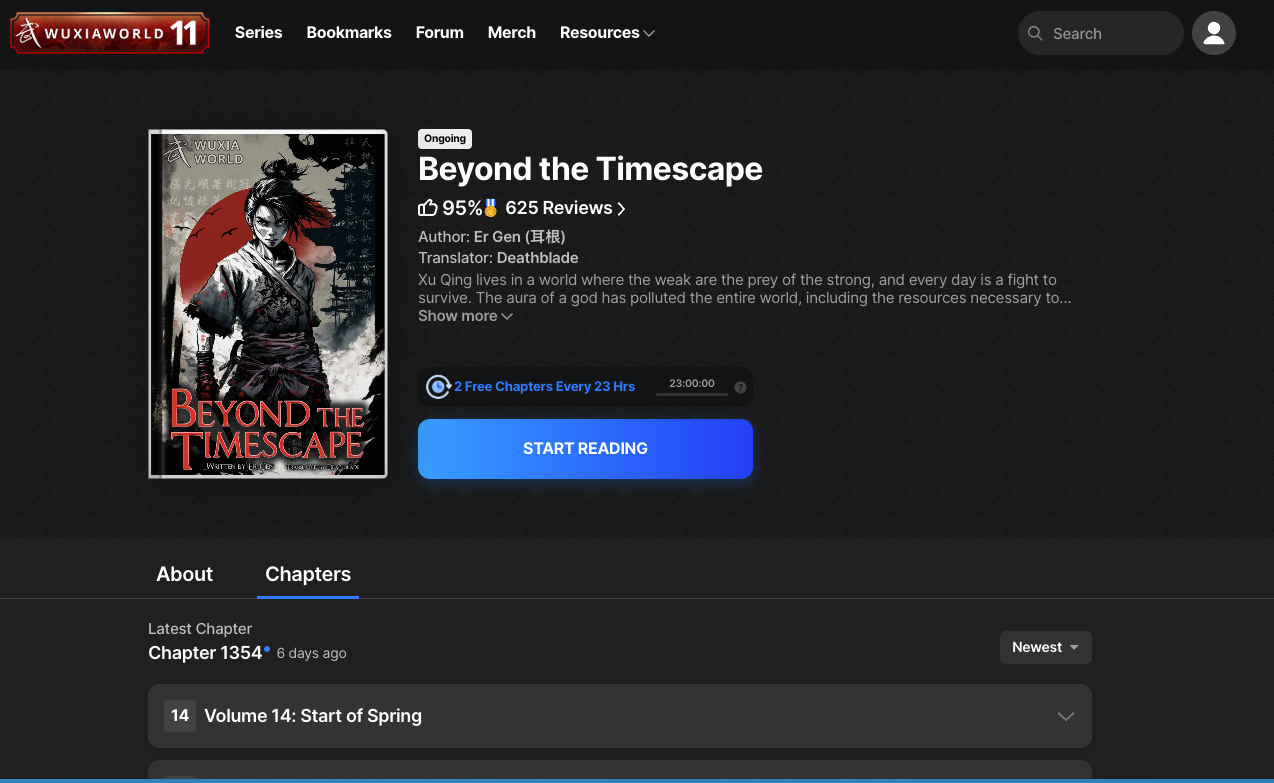
A typical web novel with 1,354 chapters. Imagine manually saving each one.
How Cepub Solves This
I built Cepub specifically for web novel readers. Here's the workflow:
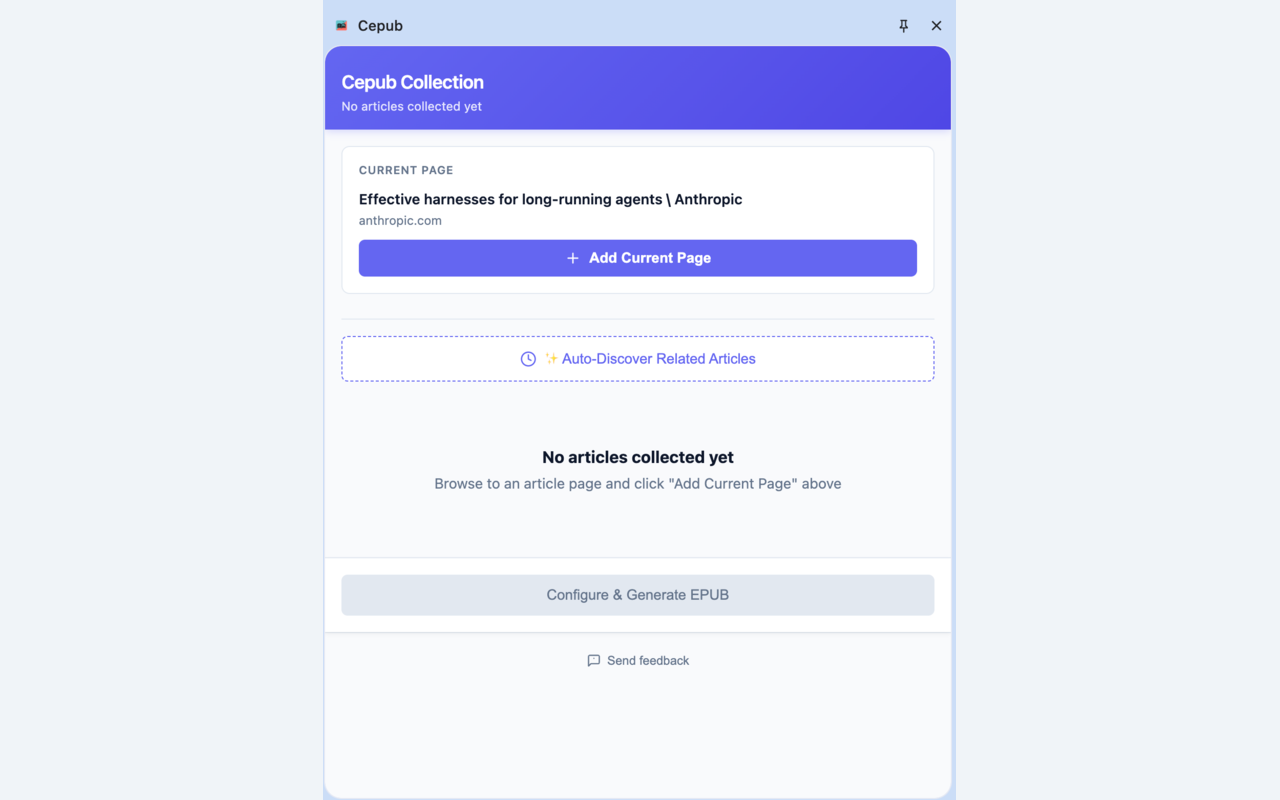
The Cepub interface - designed for batch converting web novel chapters.
Step 1: Auto-Discover All Chapters
Instead of manually copying 600 chapter URLs, click "Auto-Discover". Cepub scans the page and automatically finds all chapters in the series, in correct reading order.
What used to take 5 hours now takes 30 seconds.
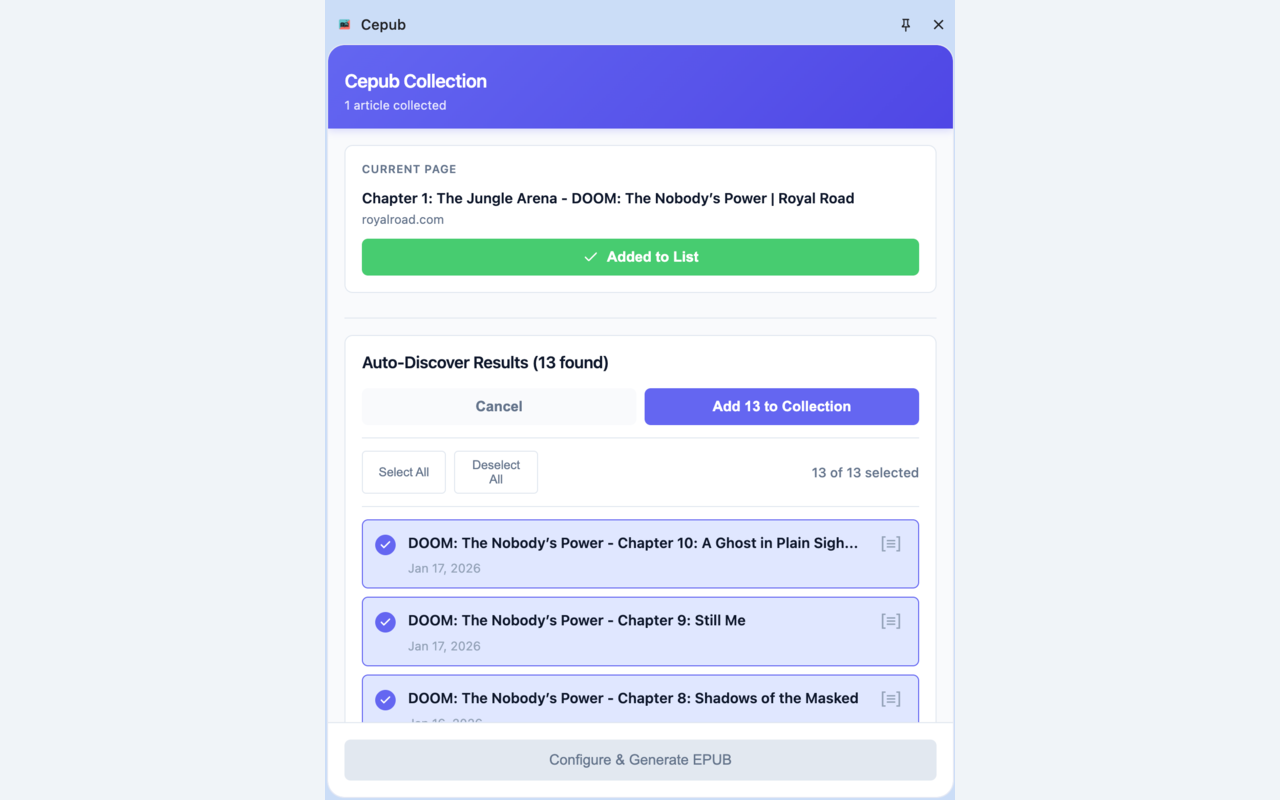
Auto-Discover finds all chapters automatically from the novel's page.
For WuxiaWorld, it detects chapter navigation patterns. For RoyalRoad, it finds "Next Chapter" links and builds the complete series list. You can review, uncheck chapters you want to skip, or reorder if needed.
Step 2: Smart Content Extraction
When you hit "Convert," Cepub intelligently identifies the actual story content and strips everything else. No headers. No sidebars. No newsletter modals. Just clean chapter text.
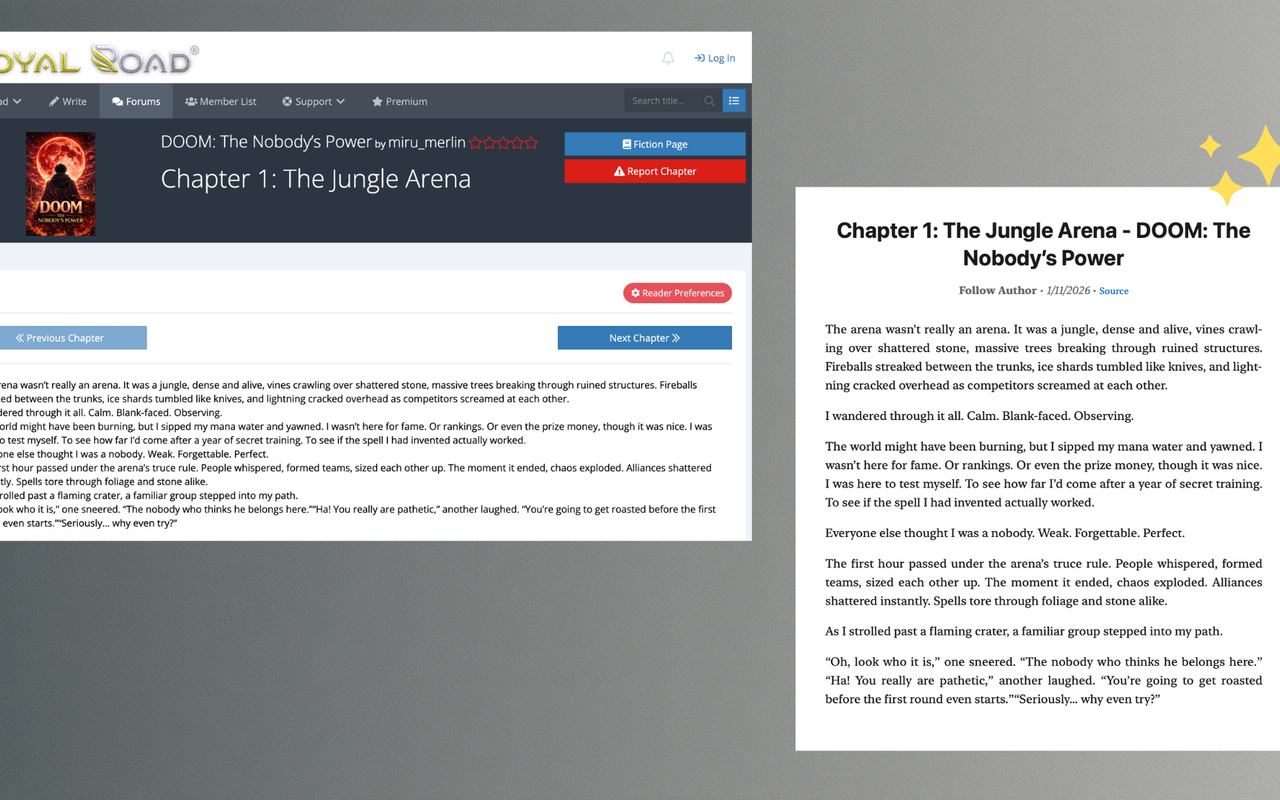
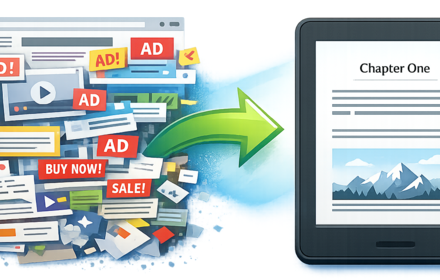
Left: Cluttered web page. Right: Clean content ready for your e-reader.
Step 3: Configure and Convert
Set your EPUB metadata (title, author), then click "Convert to EPUB." Cepub processes all chapters and embeds any images. 600 chapters convert in about 2 minutes.
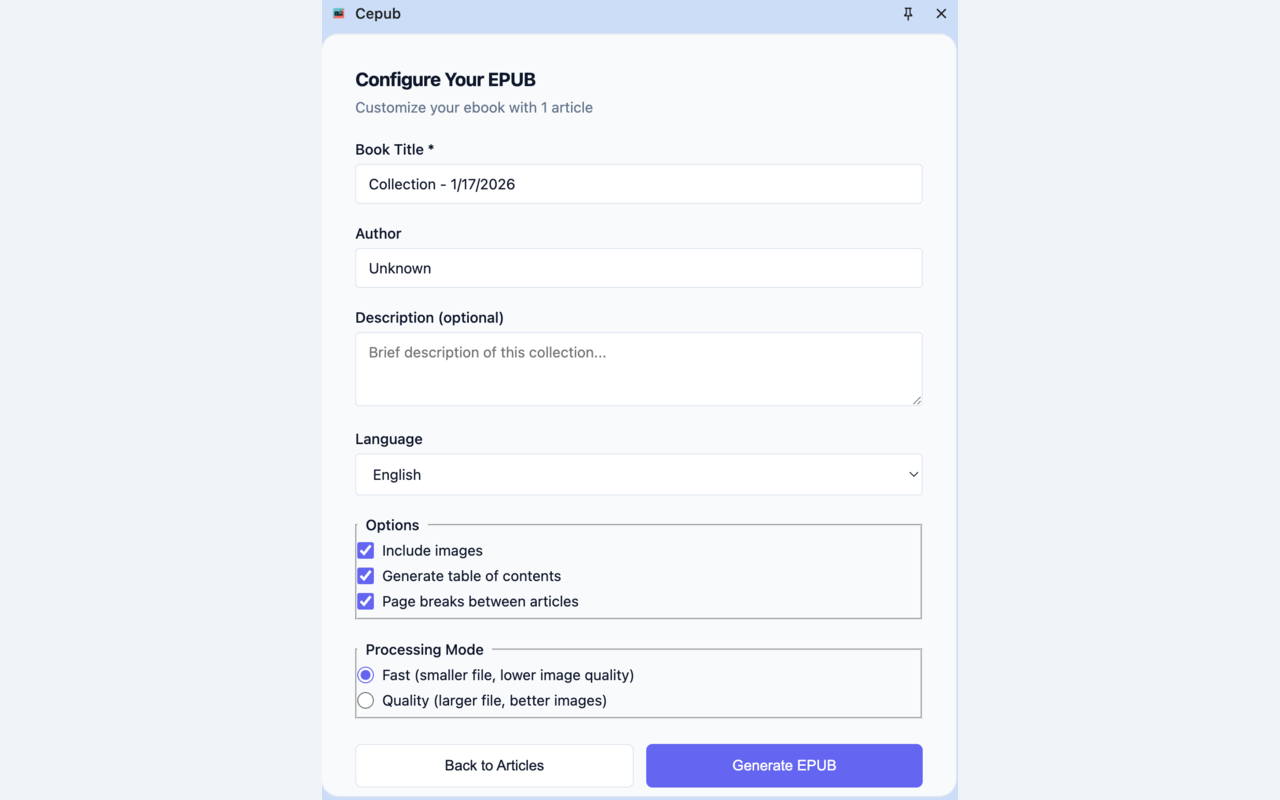
Set your novel's title and author before converting.
Step 4: Transfer and Read
Email the EPUB to your Kindle, or copy it to your Kobo via USB. Open it and see: table of contents, clean chapter text, progress tracking, and customizable fonts.
Swipe right for the next chapter. No loading. No ads. No popups. Just the next chapter, instantly.
If you're new to converting articles for e-readers, check out our complete guide to reading articles offline for more tips on the EPUB workflow.
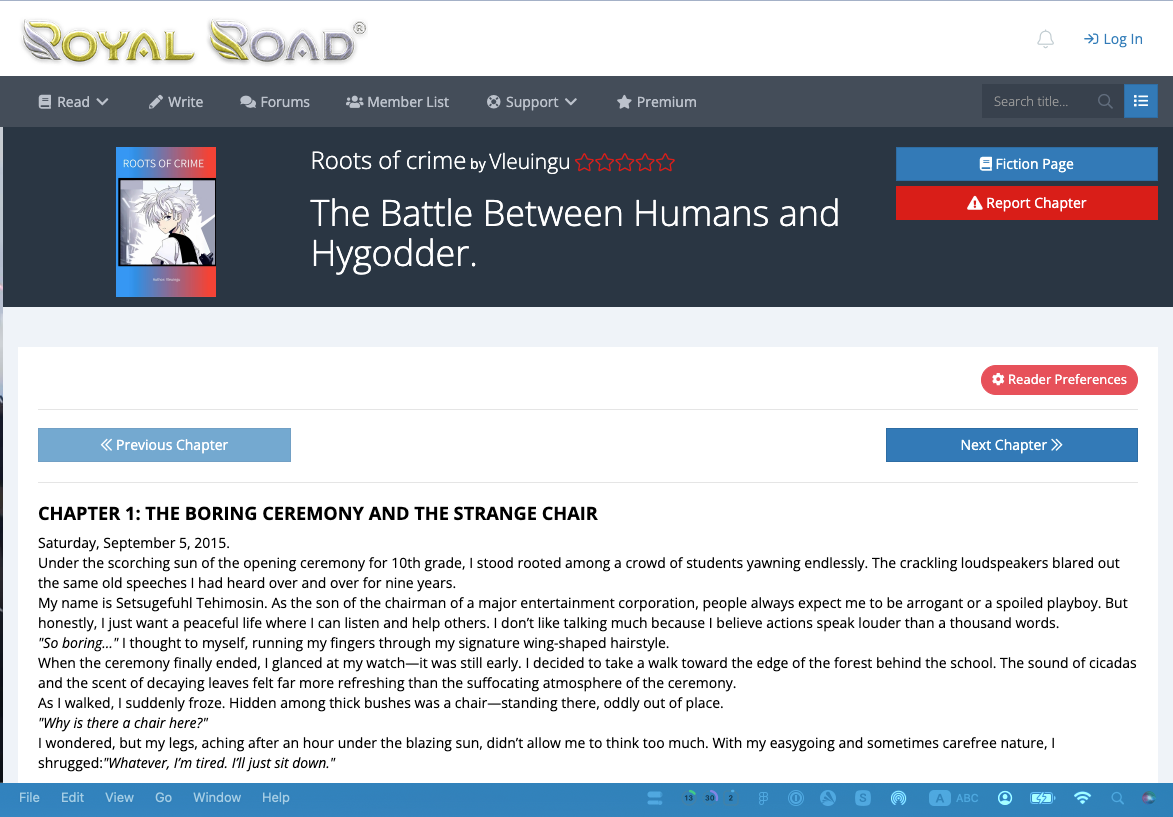
Cepub works with RoyalRoad, WuxiaWorld, and most web novel sites.
Tips for Managing Your Web Novel Library
1. Batch by Story Arc
Don't convert a 1,200-chapter novel all at once. Your e-reader will struggle with a 50 MB file. Instead, break it into parts:
Novel Name - Part 2: Sect Competition (Ch 201-400)
Novel Name - Part 3: Heavenly Tribulation (Ch 401-600)
2. Use Descriptive Titles
Instead of "Novel.epub", use "The Overlord of Puluo - Chapters 1-150 (Complete).epub". When you have 50 novels on your e-reader, you'll thank yourself.
3. Organize Your Files
Create a folder structure on your computer:
├── Cultivation/
│ ├── An Alchemist's Path to Eternity.epub
│ └── Karnak Monarch of Death.epub
├── LitRPG/
│ └── [Your RoyalRoad favorites]
└── Completed/
└── [Finished series]
This is your permanent library. Websites can go down, but these files are yours forever.
4. Test Before Committing
Before converting all 800 chapters, convert just the first 10 and check: Does the formatting look good? Are images embedded correctly? Is the content clean?
5. Handle Ongoing Series
For novels that update weekly, don't reconvert everything. Just convert new chapters as a separate EPUB: "Novel Name - New Chapters Jan 2026". Read the update, then combine later if you want.
Limitations to Know
- JavaScript-heavy sites: Make sure the chapter is fully loaded before converting.
- Paywalled content: Cepub converts what you can access. It can't bypass paywalls.
- Very long series: For 1000+ chapters, break into 200-300 chapter batches. Some older e-readers struggle with 50 MB files.
- Interactive content: Stat tables and cultivation calculators won't work in EPUBs. Cepub includes static versions where possible.
Frequently Asked Questions
Can I convert novels from WuxiaWorld and RoyalRoad?
Yes. Cepub works with most web novel sites including WuxiaWorld, RoyalRoad, Scribble Hub, and NovelUpdates. As long as you can read the chapter in your browser, Cepub can extract it.
How many chapters can I convert at once?
Cepub supports up to 50 chapters per conversion. For novels with hundreds of chapters, batch them into groups to keep file sizes manageable and conversion times reasonable.
Will character art and maps work offline?
Yes. Cepub embeds images directly into the EPUB file. They display on your e-reader without internet. Note that e-ink devices show images in grayscale.
What about ongoing vs. completed series?
Completed series are perfect for one-time conversion. For ongoing series, convert new chapters periodically (monthly or when you've built up 50+ new chapters) and add them to your library.
Does this work on mobile?
Cepub is a Chrome extension for desktop browsers (Chrome, Edge, Brave). Mobile browser extensions have limited functionality, so desktop is recommended.
Start Binge-Reading Without Interruptions
Convert your first web novel and experience what 600 chapters of uninterrupted reading feels like.
Try Cepub FreeConclusion
If you're tired of fighting ads and popups every time you click "Next Chapter", if you want to lose yourself in a 600-chapter cultivation epic without breaking immersion, EPUB conversion is the answer.
It won't give you more reading time (you'll still stay up too late saying "just one more chapter"). But it will make every minute more enjoyable.
No more scrolling past headers 800 times. No more eye strain from phone screens at 3 AM. No more losing your place when your browser crashes at chapter 427.
Just pure, uninterrupted story from chapter 1 to chapter 1,000.